
// Insights
Top 5 WordPress Alternatives in 2026: A Complete Comparison Guide
By Kashish Chandani · Published August 12, 2026
WordPress has been the top choice for website development due to its flexibility, extensive library of themes and plugins and user-friendly content management system. WordPress has been the preferred platform for businesses, agencies and developers around the world. In 2026, WordPress remains one of the most popularly used CMS platforms, which powers millions of websites across multiple industries.
Nevertheless, website design has evolved much as organizations can now leverage different technologies and platforms which were not available previously. Each one has its own merits, based on the demands of the organization.
Custom development using HTML, CSS, JavaScript, and Next.js provides full flexibility and scalability, but modern platforms such as Emdash that use AI technology make it easy to develop websites. On the other hand, there is continuous evolution of no-code web building services including Webflow, Framer, and Wix to facilitate people who cannot code at all.
AI technology has likewise made a significant impact on web development in recent years. Apps like Claude Code, Cursor, and GitHub Copilot are assisting companies in developing websites more efficiently through generating code, automation of tedious processes, detecting problems, and increasing efficiency. The development of custom code has therefore become less time-consuming and tedious for developers while no-code and low-code platforms have become increasingly user-friendly.
Selecting the best platform is no longer a simple case of choosing the most popular one. Each website’s complexity, scalability, security, hosting needs, maintenance, cost of development, and many other variables have to be considered when looking for a good platform for your project.
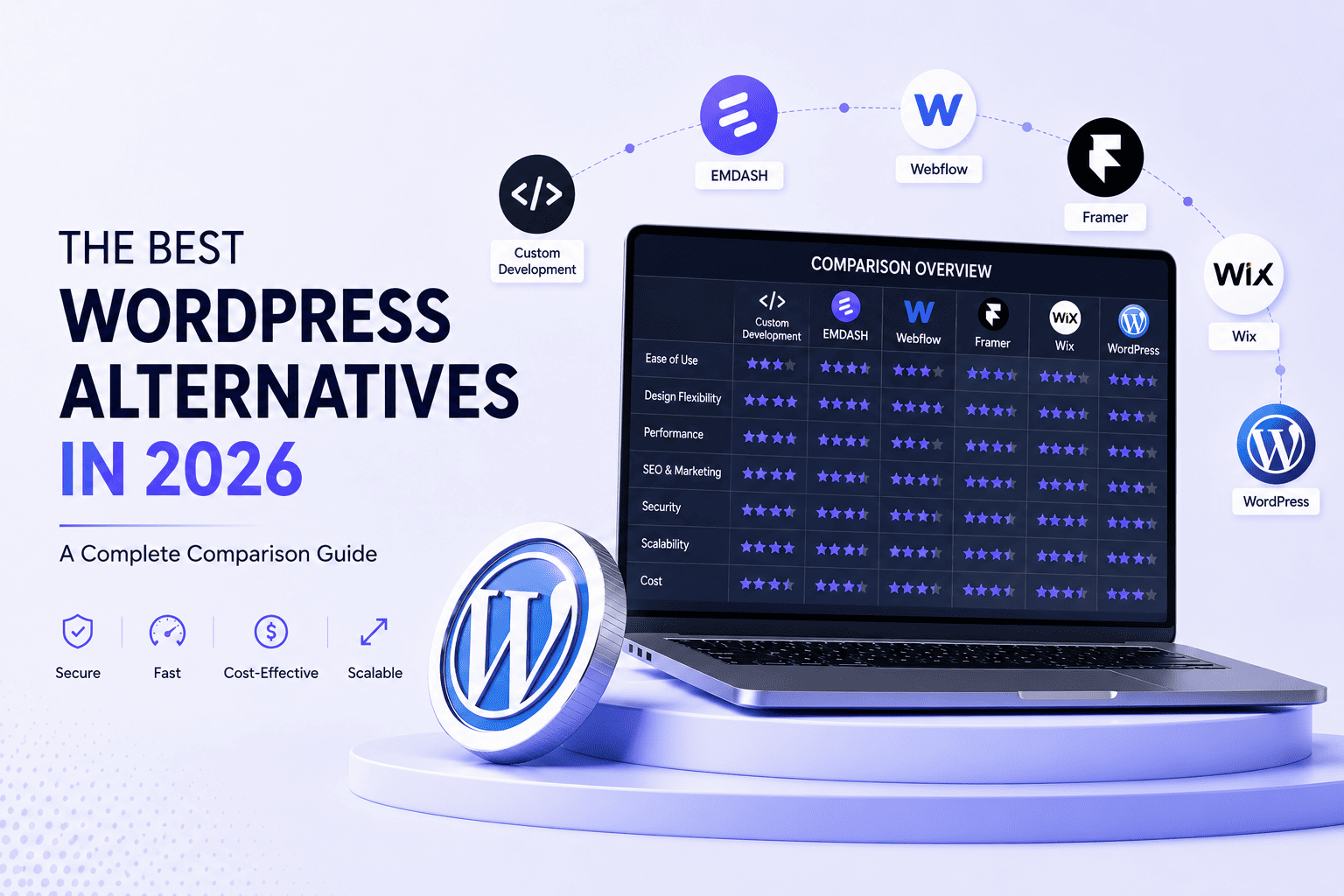
In this guide, we’ll look at the top six website development platforms for 2026: Custom Development (HTML, CSS, JavaScript, and Next.js), Emdash, Webflow, Framer, Wix, and WordPress. We’ll evaluate each platform based on the factors that matter most in real-world projects, including usability, developer skill requirements, AI integration, security, hosting, maintenance, scalability, and long-term cost.
How AI Is Changing Web Development
Tools like Claude Code, Cursor, GitHub Copilot and others have changed coding from writing every line of code manually to reviewing, refining, and improving AI-generated code.
For developers, this means alot of repetitive tasks such as building layouts, responsive designs, forms, building navigation menus, incorporating animations, integrating APIs, and even secure authentication systems can now be completed much faster.
For beginners, AI has also lowered the learning curve.
Someone with even just basic HTML and CSS knowledge can now build professional-looking websites with guidance from AI, while developers familiar with JavaScript can use tools like Cursor or Claude Code to speed up their Next.js development.
It’s important to remember, however, that AI is a productivity tool—not a replacement for technical knowledge. Understanding how your website works, reviewing generated code, and following best practices remain essential for building secure, reliable websites.
The following are five of the most widely used website development approaches in 2026.
| Platform | Security | Hosting | Cost |
|---|---|---|---|
| Custom Development | Highly secure when built with proper authentication, secure APIs, server configuration, and dependency management. | More complex than website builders, but platforms such as Vercel and Netlify simplify deployment. | Higher initial investment, but can reduce recurring plugin, platform, and rebuild costs. |
| Emdash | Managed development environment reduces reliance on third-party plugins and helps simplify security maintenance. | Built on Cloudflare infrastructure, with hosting, deployment, and performance optimization largely managed by the platform. | Lower development costs for many standard websites due to AI-assisted development. |
| Webflow | Managed security, SSL, DDoS protection, automated backups, and platform updates reduce security maintenance. | Fully managed hosting with global CDN and no separate server configuration required. | Subscription-based pricing includes hosting and platform features, making it cost-effective for many businesses. |
| Framer | Managed hosting, SSL, regular updates, and CDN delivery provide a secure environment with minimal maintenance. | Hosting is included and websites can be published directly from the Framer platform. | Cost-effective for modern websites, with hosting, SSL, and platform maintenance included in plans. |
| Wix | Built-in security, SSL, automatic updates, and managed infrastructure reduce the security responsibilities of website owners. | Fully managed hosting is included, with no need to configure servers or purchase separate hosting. | Subscription plans cover hosting, SSL, templates, website builder features, and ongoing maintenance. |
1. Custom Development (HTML, CSS, JavaScript & Next.js)
The custom development process combines the use of key components like HTML, CSS, and JavaScript along with frameworks like Next.js, in order to develop high-performing, speedy and scalable sites that meet the exact requirements of businesses.
The benefit of custom development as compared to using traditional website builders, is that it doesn’t restrict you to predefined templates or platform limitations. Every feature and interaction can be designed according to your exact requirements.
This is where flexibility plays an important role and custom development becomes a more preferable option for businesses looking to develop modern SaaS applications, enterprise level websites, customer portals, dashboards, advanced booking systems and more.
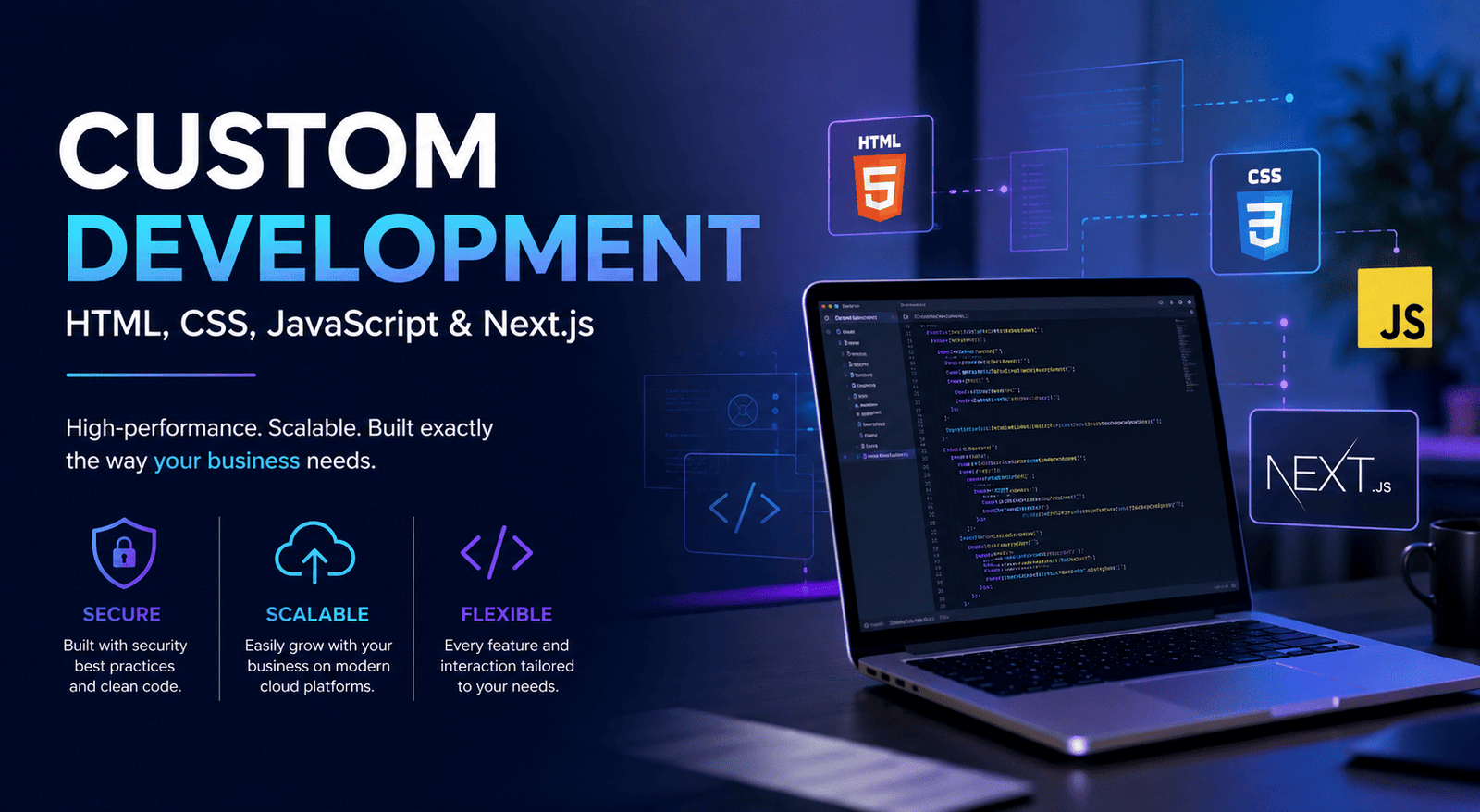
Security: Custom-built websites usually have one of the smallest attack surfaces when development is done with security being a top priority as poor authentication, insecure API usage, improper server setup, or outdated dependencies may create vulnerabilities. However, if properly built, custom websites tend to be one of the safest options.
Hosting: Hosting is slightly more complex as compared to when using visual website builders, however modern deployment tools have made this process much easier with tools like Vercel and Netlify. They allow developers to deploy websites directly from Git repositories and streamline updates through automated deployment workflows. As the business requirements grow, applications can easily transfer to cloud platforms such as AWS, Microsoft Azure, or Google Cloud without requiring a redesign.
Cost: Custom development typically requires the highest investment as everything is built specifically for your companies requirement. While the initial cost is higher, it saves money over time by reducing requirement of having paid plugins, recurring platform fees, and expensive website rebuilds as your business grows.
2. Emdash
Emdash is one of the newest approaches to website development 2026. Rather than expecting developers to manually develop every component, Emdash embraces an AI-first workflow where most of the website structure is generated through prompts and then refined by the developer.
Unlike previous website development platforms, Emdash was built with AI-assisted development in mind.
Instead of manually coding every section, developers describe the layout, functionality, and features required in plain language, which allows AI to generate most of the initial code. While the developers are needed to refine, customize, and maintain the website. This significantly reduces the amount of time spent on coding for standard business websites.
As AI continues to improve, platforms like Emdash are expected to become more faster and more capable.
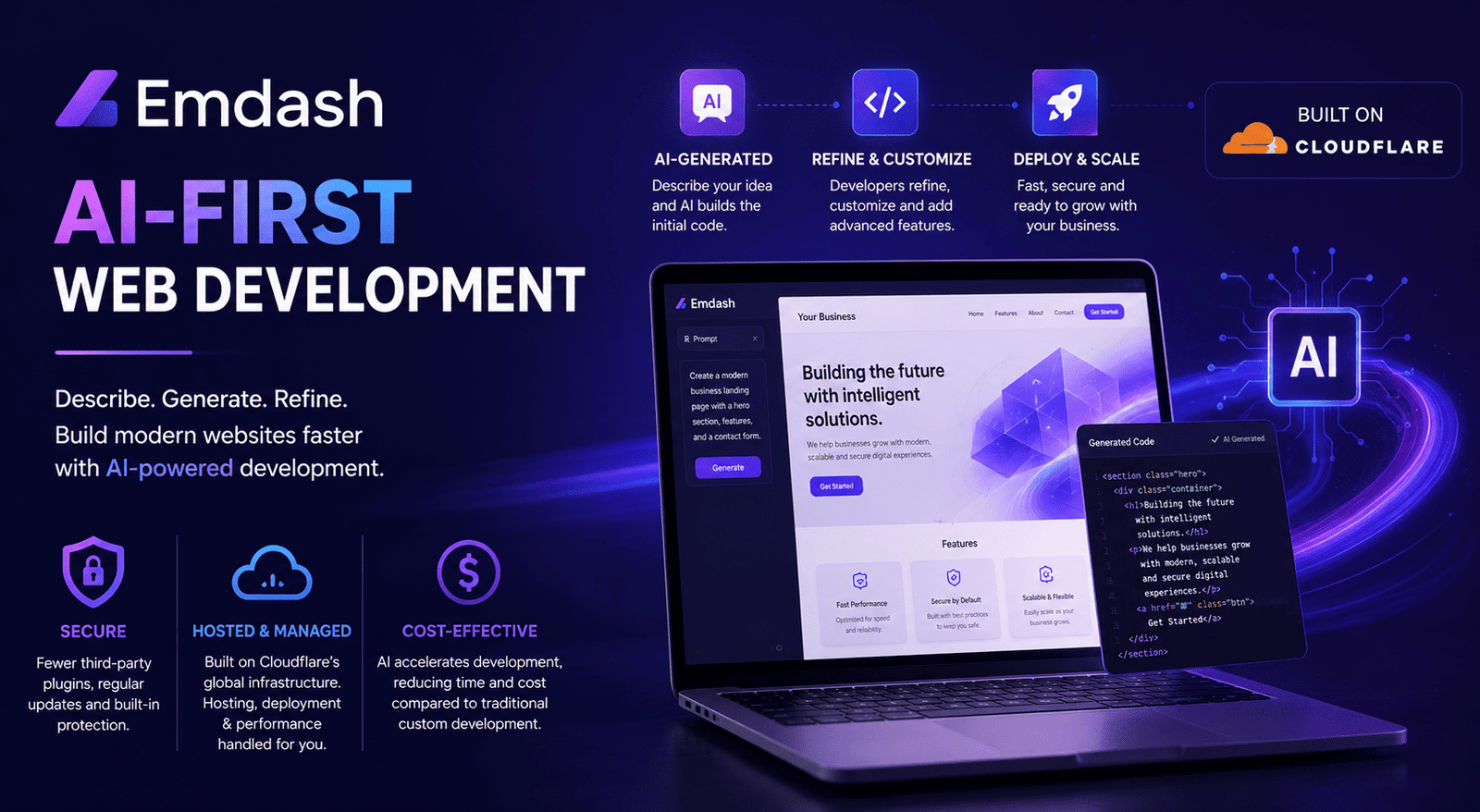
Security: Since Emdash manages the core development environment, it greatly reduces the security threats that mostly come from relying on a large number of third-party plugins. They perform regular platform updates which can also help safe-gaurd websites against common security attacks, when businesses follow good practices such as using strong passwords, enabling multi-factor authentication and maintaining regular backups.
Hosting: This is one of Emdash’s biggest strengths as it is built on Cloudflare’s global infrastructure, most of the hosting, deployment, and performance optimization is handled automatically by the platform. Developers are not required to spend time configuring servers or setting up complex deployment pipelines..
Cost: When compared to custom development, Emdash can significantly help reduce development cost as it uses AI to accelerate much of the coding process. For standard websites, this can result in shorter development time and costs, while allowing developers to also customize the final product when needed.
3. Webflow
Webflow has become one of the most popular website development platforms by bridging the gap between traditional website builders and custom development. It provides users with a visual editor while also being able to generate clean HTML, CSS, and JavaScript behind the scenes, giving designers greater creative freedom without requiring extensive coding.
Webflow provides its users with alot more control over styling layouts, accommodating for responsiveness, indorporating animations, and interactions without requiring vast coding knowledge.
However, when it comes to projects that require custom API logic, advanced backend logic, or highly customised functionality, developers often need to depend on external services, add-ons or custom JavaScript in order to achieve such requirements.
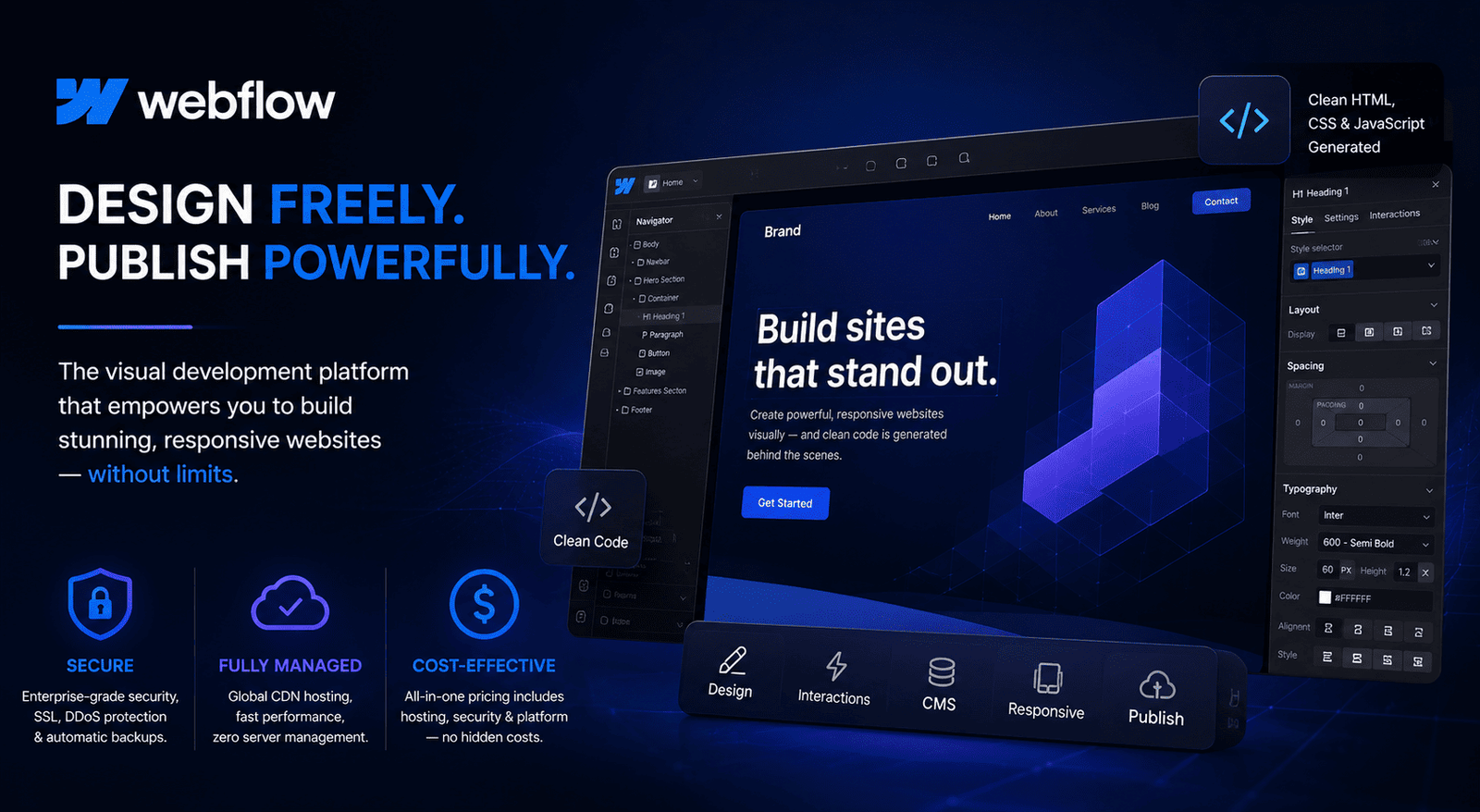
Security: As Webflow is a entirely managed platform, they take care of security updates, SSL certificates, hosting, and servers. Webflow also offers inherent DDoS (Distributed Denial of Service) protection and automated backups and eliminates the possibility of security threats posed by out-of-date third-party plug-ins.
While Webflow handles platform security, businesses should still follow good security practices by reviewing any additional custom code, using strong passwords, and enabling two-factor authentication.
Hosting: One of Webflow’s biggest advantages is that it is a fully managed hosting. Webflow sites are hosted on a global CDN, delivering fast load times and reliable performance without requiring server configuration or ongoing maintenance. Businesses don’t need to purchase a separate hosting or manage infrastructure.
Cost: Webflow has a subscription-based pricing model, with plans that include hosting and access to the platform. Webflow’s subscription replaces separate expenses for hosting, maintenance, and infrastructure. For many small and medium-sized businesses, this is a more budget-friendly option.
4. Framer
Framer has grown from being a tool for design and prototyping to a platform for building modern websites. Framer’s biggest strength is its simplicity. A developer can produce a modern landing page in just a matter of hours and can create professional websites with minimal coding skills. While the application also allows experienced developers to write custom code for extra capabilities, it primarily focuses on building websites fast and not on building complicated web applications.
In addition, Framer also comes with AI-based features that allow users to create websites faster with its ability to generate layouts, content, sections, and designs from simple prompts from the user. These features make Framer suitable for creating marketing sites, landing pages, and portfolios.
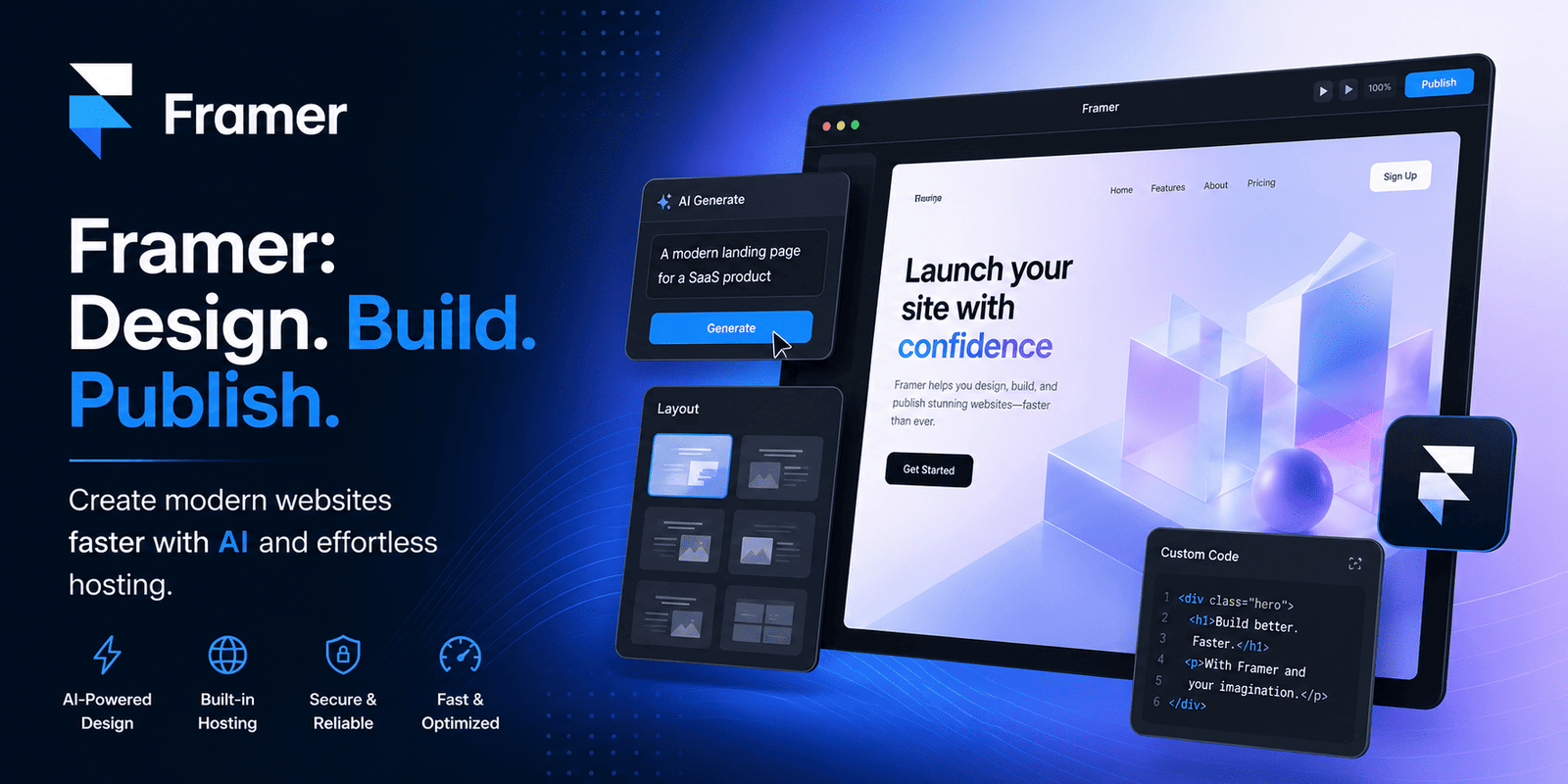
Security: Framer provides a secure and a fully managed hosting environment, with SSL certificates and regular platform updates. Websites are delivered through a global content delivery network (CDN), helping improve both performance and reliability while reducing the need for server management.
As Framer operates as a managed platform, users don’t need to worry much about updating the site’s security measures. However, website owners should still follow best practices such as using strong passwords, enabling two-factor authentication, and reviewing any custom code or third-party integrations before deploying them.
Hosting: The Hosting feature comes included with Framer. This makes it possible to publish websites directly from the app without having any need to set up servers or deployment processes. It does all the work automatically, making this the right option for businesses looking for a hosting solution that requires less effort.
Cost: Framer is an economical way for companies that are planning on developing modern sites. As the Framer plans include hosting services, SSL certificates, and maintenance of the platform, there are no extra expenses to be considered.
Framer proves to be very cost-effective due to its ability to shorten the time of development and maintenance.
5. Wix
Wix is one of the easiest-to-use website builders, becoming an excellent tool for users to create professional websites who do not know coding languages. Wix offers a visual editor, a variety of templates, and all the required tools to create not only business sites, e-commerce websites and portfolios easily.
In recent years, Wix has significantly extended its AI capabilities, allowing users to generate complete websites, including layouts and content, using simple prompts. This helps reduce the time required to build professional sites while still enabling users with the flexibility to customize every page using its visual editor. Developers can also add complexity to their Wix sites with custom code when additional functionality is needed. However, Wix is primarily designed for quickly building business websites rather than supporting highly customised or enterprise-level web applications.
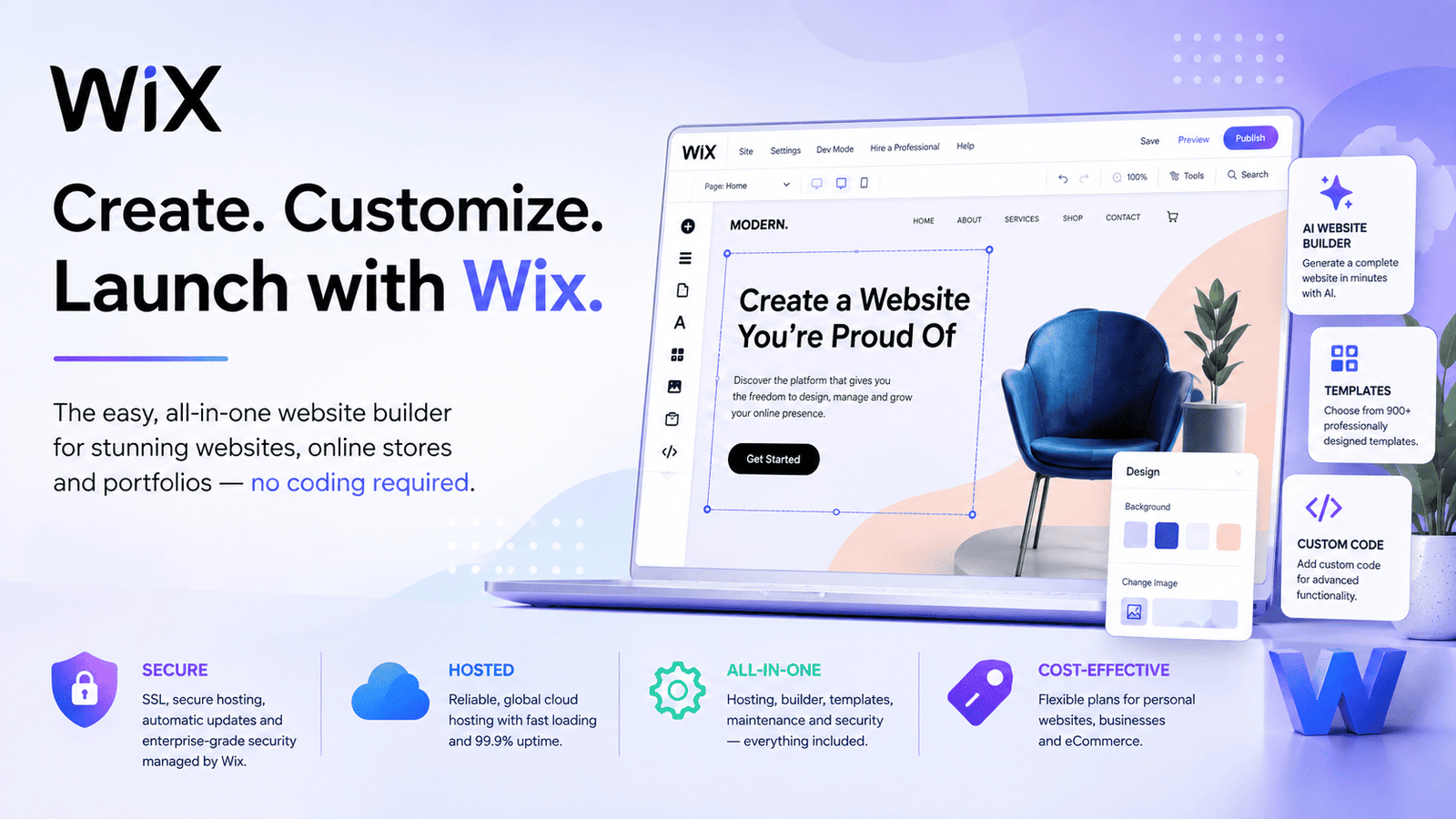
Security: Because Wix manages the platform, users benefit from automatic updates, SSL certificates, and built-in infrastructure security. Most security responsibilities remain with Wix rather than the website owner.
Hosting: Hosting is included with every website. Users don’t need to configure servers or purchase additional hosting services.
Cost: Wix offers its users subscription-based price models, with multiple plan options designed for personal websites, businesses, and e-commerce. This cost includes website hosting, SSL security, the website builder, templates, and ongoing platform maintenance.
Cost Comparison
Cost of development is an important factor to consider when choosing a website platform. The complete cost of a website includes ongoing expenses such as hosting, maintenance, software subscriptions, etc. Businesses should also consider how easily their platform can scale as their requirements and goals grow.
Custom Development
Development of a custom site usually involves the biggest initial expense because the site is created according to the needs of the enterprise rather than with a pre-existing theme.
However, AI is drastically changing the economics of custom development. Developers can now generate components, create layouts, automate some processes of web development, find out possible problems, and speed up development processes. Custom development still involves developers for more complicated processes, but with the integration of AI, it reduces the time and expenses involved in the development.
Custom development can provide greater scalability, which allows businesses to add new features, integrations, and custom functionality as they grow.
Emdash, Webflow, Framer, and Wix
Emdash, Webflow, Framer, and Wix all reduce the upfront and continuous costs of website development when compared with traditional development approaches.
Emdash is beneficial for its AI-driven development, which could drastically reduce the time required for design, coding, testing, and implementation while also keeping the hosting and maintenance relatively predictable.
Webflow blends website building, hosting, security, and maintenance into a single subscription, making it cost-effective for marketing and content-driven websites.
Framer is affordable for landing pages, portfolios, and smaller websites.
Wix’s monthly pricing plan includes hosting, security, and website management, making it attractive to startups and small businesses.
Website Security Comparison
Website security is important to consider when choosing the right platform for development, particularly for businesses that handle customer information, enquiries, payments and other sensitive data.
Custom Development
Custom-built websites provide a high level of security as developers have greater control over the codebase, its architecture, the hosting environment, and integrations. The use of unnecessary plugins, themes, and third-party components can be avoided, which reduces the number of potential security attack surfaces.
Emdash, Webflow, Framer and Wix
Emdash, Webflow, Framer, and Wix make security easier by handling most of the technical work. Hosting, SSL, platform updates, and server maintenance are managed by the platform, so businesses don’t have to worry about maintaining it themselves.
This reduces the chances of problems caused by outdated software, server misconfigurations, or missed security updates. The downside is that businesses have less control over the underlying server and infrastructure than they would with a custom-built website.
For most business websites, however, this managed approach offers a good balance of security, convenience, and easy maintenance.
WordPress in 2026
Despite the rise of AI-first platforms and modern website builders, WordPress remains one of the most flexible and widely used content management systems. Its biggest advantage is its flexibility. Businesses can choose their hosting, themes, plugins, integrations, and functionality, making WordPress suitable for everything from corporate websites and blogs to ecommerce, membership, and highly customised platforms.
WordPress is also relatively affordable, with a large range of free and paid themes, plugins, and hosting options. Its large plugin ecosystem makes it easy to add features such as SEO, ecommerce, forms, analytics, bookings, security, and multilingual support.
The main consideration is security and maintenance. Multiple plugins, themes, and third-party integrations can introduce vulnerabilities, particularly when the software is outdated or poorly configured.
WordPress is particularly suitable for:
- Content-heavy and corporate websites
- Blogs, news, and publishing platforms
- Ecommerce stores
- Membership and subscription websites
- Websites requiring extensive integrations or customisation
- Businesses that want control over hosting and their website
Final Thoughts
There is no single platform that is right for every business. The best choice depends on the project’s goals, budget, technical requirements, and plans for future growth.
Custom development offers the most flexibility and scalability, while Emdash shows how AI is making custom development faster and more accessible. Webflow offers a strong balance of design and ease of use, Framer works well for modern landing pages and marketing sites, and Wix remains a simple option for beginners and small businesses. WordPress continues to stand out for its flexibility, large ecosystem, and extensive customisation options.
Ultimately, the right platform is the one that meets your needs today while giving your business room to grow tomorrow.

Ready to scope your next initiative?
Share your goals with our Bangalore team. We respond within one business day with a clear path from discovery to delivery.